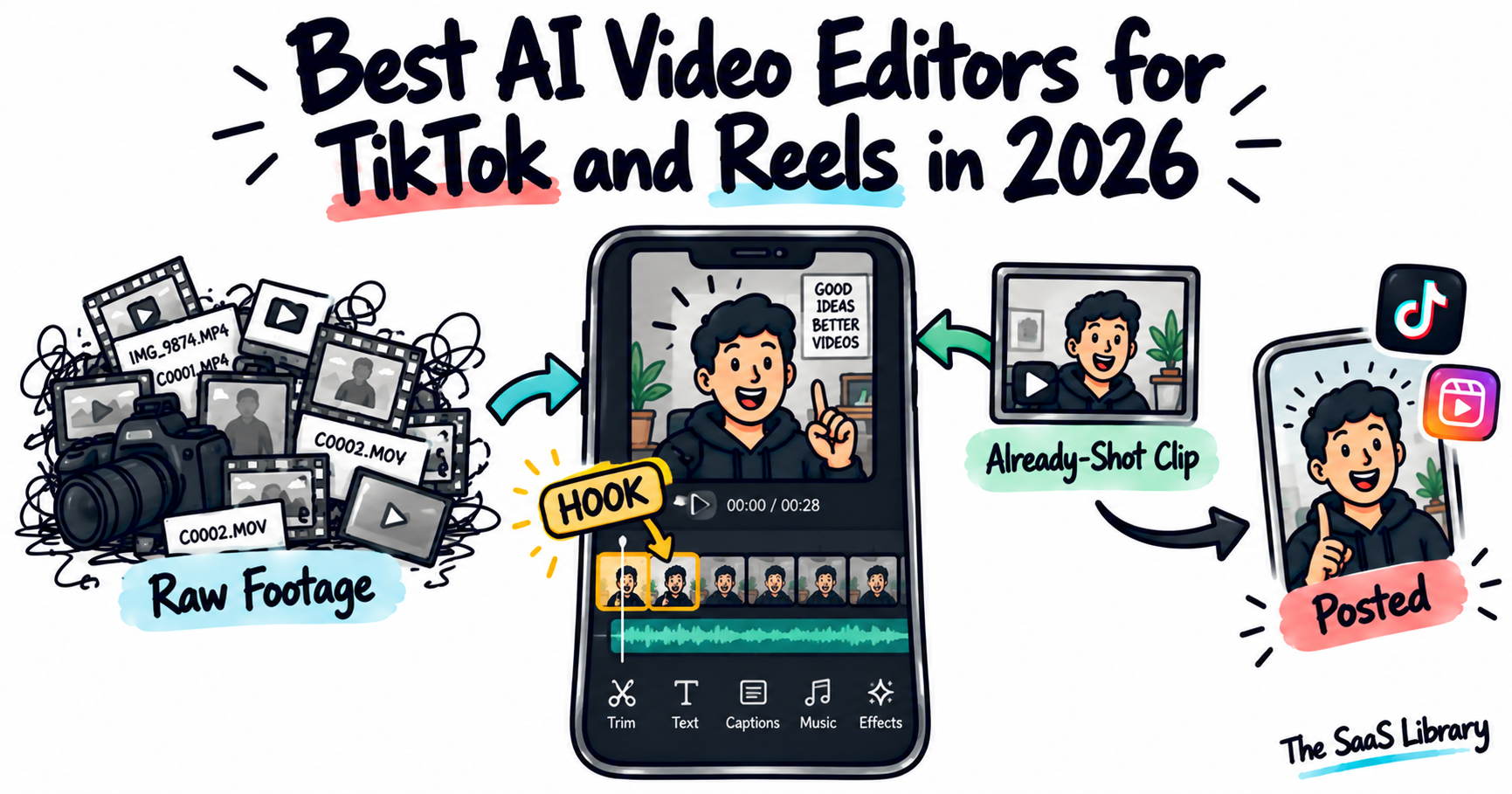
Editing for TikTok and Reels is a different discipline from editing a longer YouTube video — and the best AI video editor for TikTok and Reels in 2026 is judged on one thing: how fast it gets from raw clips to a posted vertical video.
The best AI video editor for TikTok and Reels in 2026 is CapCut for the fastest, most native mobile-first workflow, since it’s purpose-built for vertical, trend-driven short-form content. Invideo Editor is the better pick when a short needs to be assembled from raw, unorganized footage around a specific hook. Canva Video and Descript each solve a narrower problem — brand consistency and clip extraction.
How Is Editing for TikTok and Reels Different From Longer-Form Video?
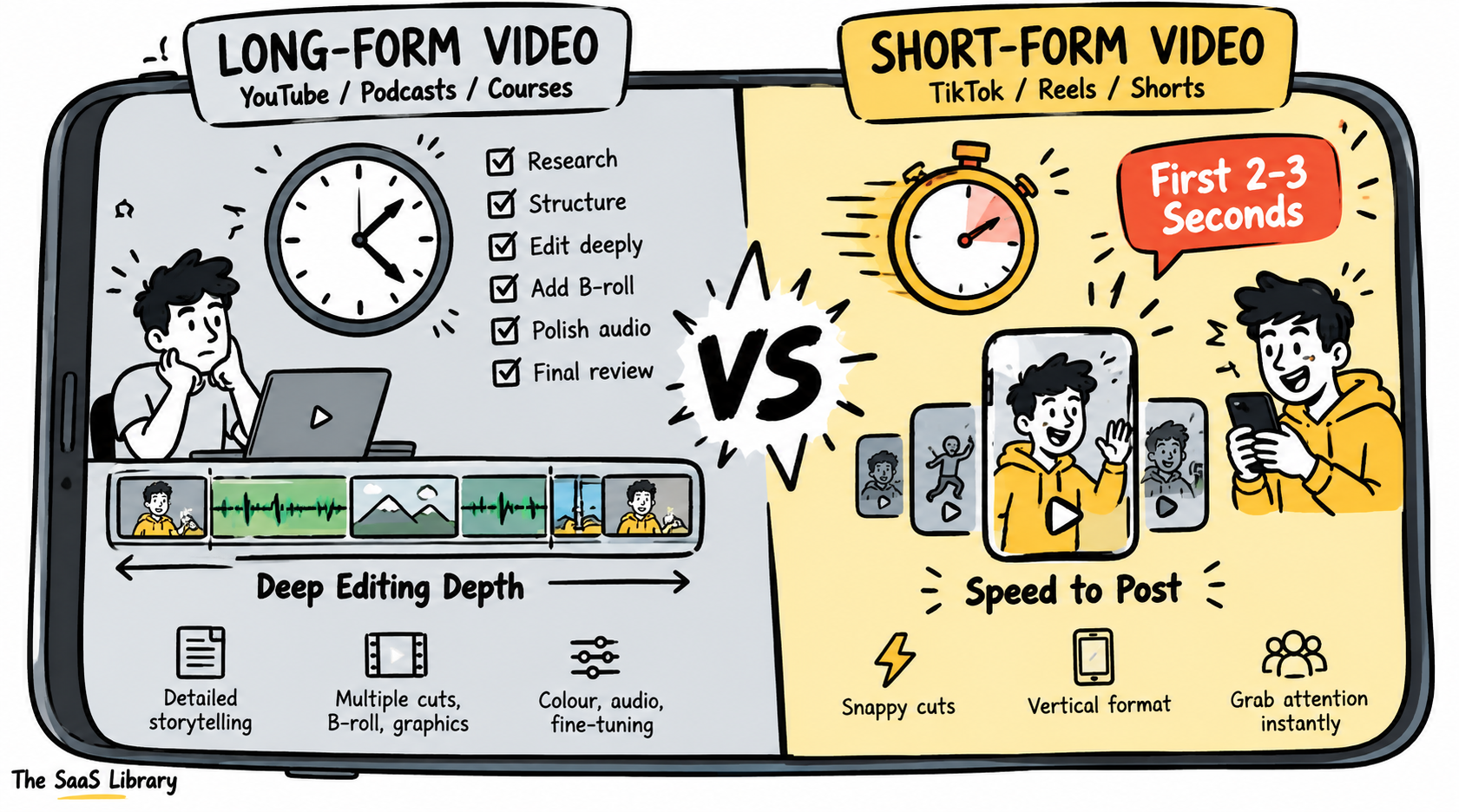
Editing for TikTok and Reels is different from longer-form video because the first two or three seconds decide whether anyone keeps watching, and turnaround speed matters more than deep manual control.
The format is vertical and fast-paced by default. A tool judged on short-form fit is judged specifically on how fast it gets from raw clips to a posted vertical video — not on how deep its timeline or color tools go, which is the standard a longer-form YouTube editor gets judged on instead.
That distinction matters because several tools that lead “best video editor” roundups for long-form YouTube content aren’t built around it at all. If you’re choosing a tool based on a general “best AI video editor” list rather than one specific to short-form, you’re likely comparing the wrong strengths.
Descriptions of Invideo Editor’s “Agentic Assembly” feature across several short-form roundups closely mirror Invideo’s own marketing and FAQ language. That doesn’t make the feature inaccurate — it’s a real, verifiable product — but it’s worth knowing before treating any single roundup’s #1 pick as independent testing, including this one.
Which AI Video Editors Did We Actually Compare?
We compared four AI video editors for TikTok and Reels against their current, live pricing pages, correcting at least one figure — Canva Video’s AI clip allowance — that was materially wrong in earlier drafts of this comparison.
| Tool | Best For | Short-Form-Specific Fit | Starting Price (verified) |
|---|---|---|---|
| Invideo Editor | Hook-first shorts from raw footage | Agents can be directed to build around a specific opening moment | Timeline free; agents from $17–20/mo |
| CapCut | Fastest native vertical workflow | Purpose-built for TikTok-style editing, mobile-first | Free; Standard $9.99/mo; Pro $19.99/mo |
| Canva Video | Branded short-form content | Vertical templates plus a shared brand kit | Free tier (no AI video); Pro $18/mo ($144/yr) |
| Descript | Pulling a clip from a long recording | Transcript search finds the exact quotable moment | Free; Hobbyist $24/mo ($16 annual) |
All prices confirmed directly on each vendor’s own pricing page in September 2026.
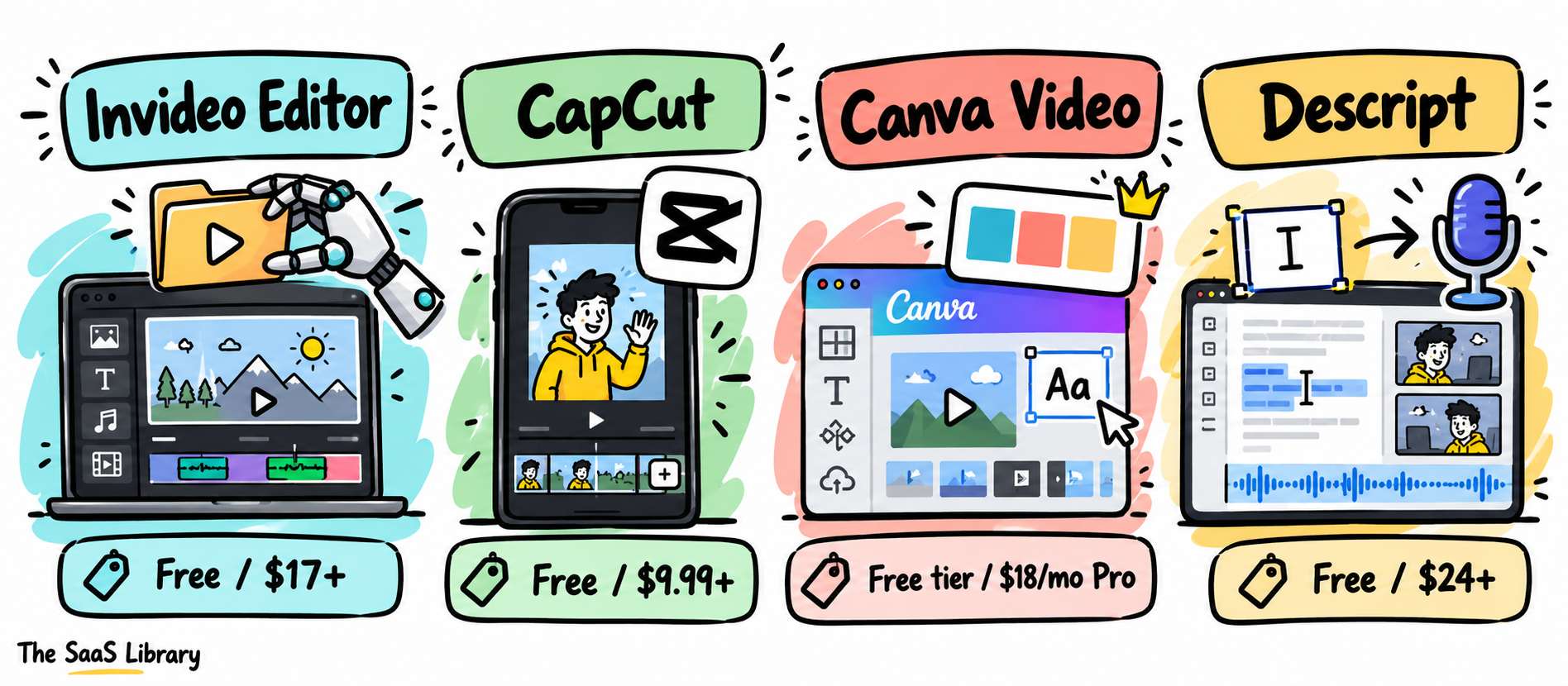
If you’re comparing these four on features alone, you’ll miss the point — check the “short-form-specific fit” column first, since that’s what actually separates them for this format.
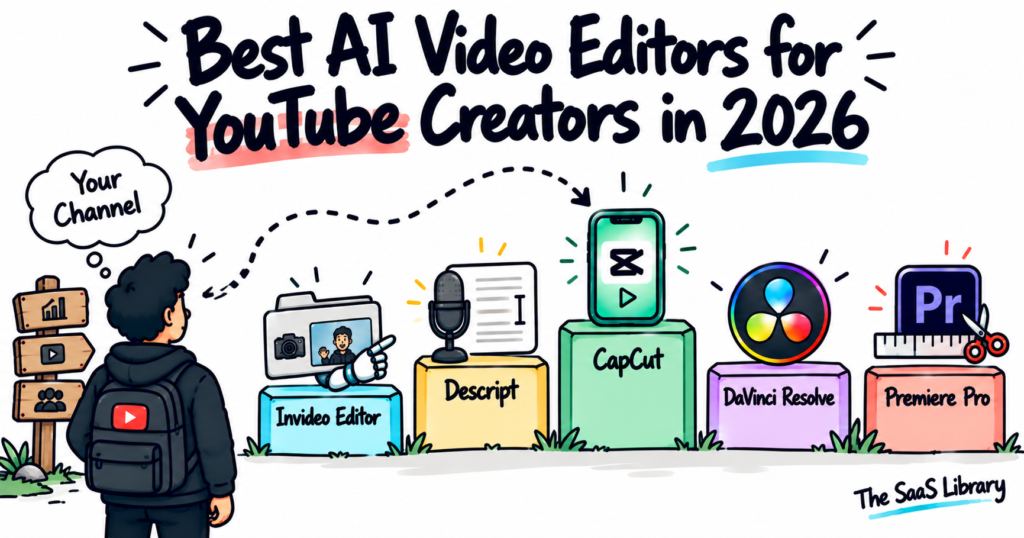
For a look at how this same live-pricing verification standard applies to a longer-form editing comparison, see Best AI Video Editors for YouTube Creators in 2026.
Is Invideo Editor the Best Choice for Building a Hook-First Short From Raw Footage?
Invideo Editor is the best choice for building a hook-first short from raw footage because its agents can be directed specifically toward that structure — describe the pacing a short needs, and it reviews the footage and builds a base cut around that priority rather than a generic chronological assembly.
It’s a professional, browser-based invideo’s AI video editor doing the same drag, trim, cut, and layer work any editor supports, while also taking plain-language agent instructions on the same timeline, so a note like “make the first line hit harder” or “cut straight to this moment” edits in place.
Pricing, precisely: the manual timeline is free with no seat limit. Assigning work to the agents draws from invideo’s shared credit plans, starting at $20/month billed monthly, or an effective $17/month billed annually — the same structure used across invideo’s product line, not a short-form-specific price.
If you’re building a short from several takes of an opening line rather than one clean take, this saves you the step of scrubbing through footage yourself to find which take actually hits.
- Pros: genuinely useful for assembling a short from raw, unorganized footage; free manual timeline; agent instructions apply directly on the timeline rather than as a separate generation step.
- Cons: not a mobile-native app, so the fastest possible shoot-to-post loop on a phone still favors a dedicated mobile tool; agent credits scale with how much work you delegate.
Best for: creators building a short from raw footage where identifying the strongest opening moment matters as much as the edit itself.
Is CapCut Still the Fastest, Most Native Way to Edit for TikTok and Reels?
CapCut is still the fastest, most native way to edit for TikTok and Reels, because it was built around exactly this format from the ground up rather than adapted to it.
CapCut’s current pricing, confirmed on its own pricing page: Free (watermark-free exports, basic templates), Standard at $9.99/month, and Pro at $19.99/month ($179.99/year). Auto-captions, trend-aware templates that update constantly, one-tap effects, and fast mobile export mean a clip can be shot, edited, and posted without touching a desktop.
If your workflow is genuinely “shoot on phone, post within the hour,” CapCut removes every extra step the other three tools on this list still require.
- Pros: purpose-built for the format; genuinely fast mobile-to-post workflow; free tier still exports without a watermark.
- Cons: its AI features draw from a metered credit pool that can require top-ups; not built for assembling raw, unorganized footage into a structured piece first, the way Invideo Editor is.
Best for: the fastest possible path from a shot clip to a posted, trend-aware short-form video.
Is Canva Video the Best Choice for Branded Short-Form Content?
Canva Video is the best choice for branded short-form content when a creator or small brand already manages a content system in Canva, since every clip can share the same brand kit, fonts, and colors automatically.
Canva’s pricing needs a correction from what circulates in several other roundups on this topic: Canva Pro costs $18/month or $144/year, confirmed across multiple independent 2026 pricing breakdowns, and it includes 5 AI video clips per month — not a “5 lifetime clips” free-tier allowance, which is inaccurate. The free tier includes basic editing and templates, but no AI video generation.
If you’re posting frequently enough that manually checking brand consistency across clips isn’t realistic, that single shared brand kit is worth more than any one AI feature Canva offers.
- Pros: genuinely useful brand-kit consistency across every clip; familiar interface for anyone already using Canva for other content.
- Cons: its AI video generation has no persistent memory across separate generations; it’s a lighter editing tool overall compared with a dedicated short-form app like CapCut.
Best for: short-form content that needs to visually match an existing Canva-based brand system.
Is Descript the Best Tool for Pulling a Clip From a Longer Recording?
Descript is the best tool for pulling a clip from a longer recording because its transcript search makes finding a specific quotable moment fast — scanning text is quicker than scrubbing through an hour of audio manually.
Descript’s current pricing, confirmed on its own pricing page: Free (1 hour of transcription/month, 720p exports with a watermark), Hobbyist at $24/month ($16/month billed annually). This is meaningfully higher than the “$12–24/month” figure that shows up in several older roundups on this topic — those numbers are stale.
If your best short-form clips keep coming from a podcast or interview you already recorded, searching the transcript for the exact line is faster than you scrubbing the whole file by ear.
- Pros: transcript search genuinely speeds up finding a quotable moment; same tool can then trim the clip directly from the text.
- Cons: built around editing one existing recording rather than the trend-driven templates and effects short-form platforms usually call for.
Best for: extracting a specific, quotable short clip from a longer recorded conversation.
Which AI Video Editor Is Best for You?
The best AI video editor for you depends on where your short actually comes from: raw unorganized footage, a clip already shot and ready to post, an existing brand system, or a longer recorded conversation. Match your situation to the row below before you pick anything.
| Your Situation | Best Pick | Why |
|---|---|---|
| Building a hook-first short from raw, unorganized footage | Invideo Editor | Agents assemble around a specific opening moment |
| Need the fastest shoot-to-post loop on a phone | CapCut | Purpose-built, mobile-native short-form workflow |
| Branded content matching an existing system | Canva Video | Shared brand kit across every clip |
| Pulling a clip out of a longer conversation | Descript | Transcript search finds the exact moment fast |
Most creators posting across both a short-form platform and a longer-form channel end up pairing more than one of these, rather than relying on a single tool for everything.
For how this same tool-pairing logic plays out on the long-form side, see Best AI Video Editors for YouTube Creators in 2026.
What Is the Clip Source Map?
The Clip Source Map is a framework for picking a short-form editing tool based on where your footage actually originates, not on which tool has the longest feature list.
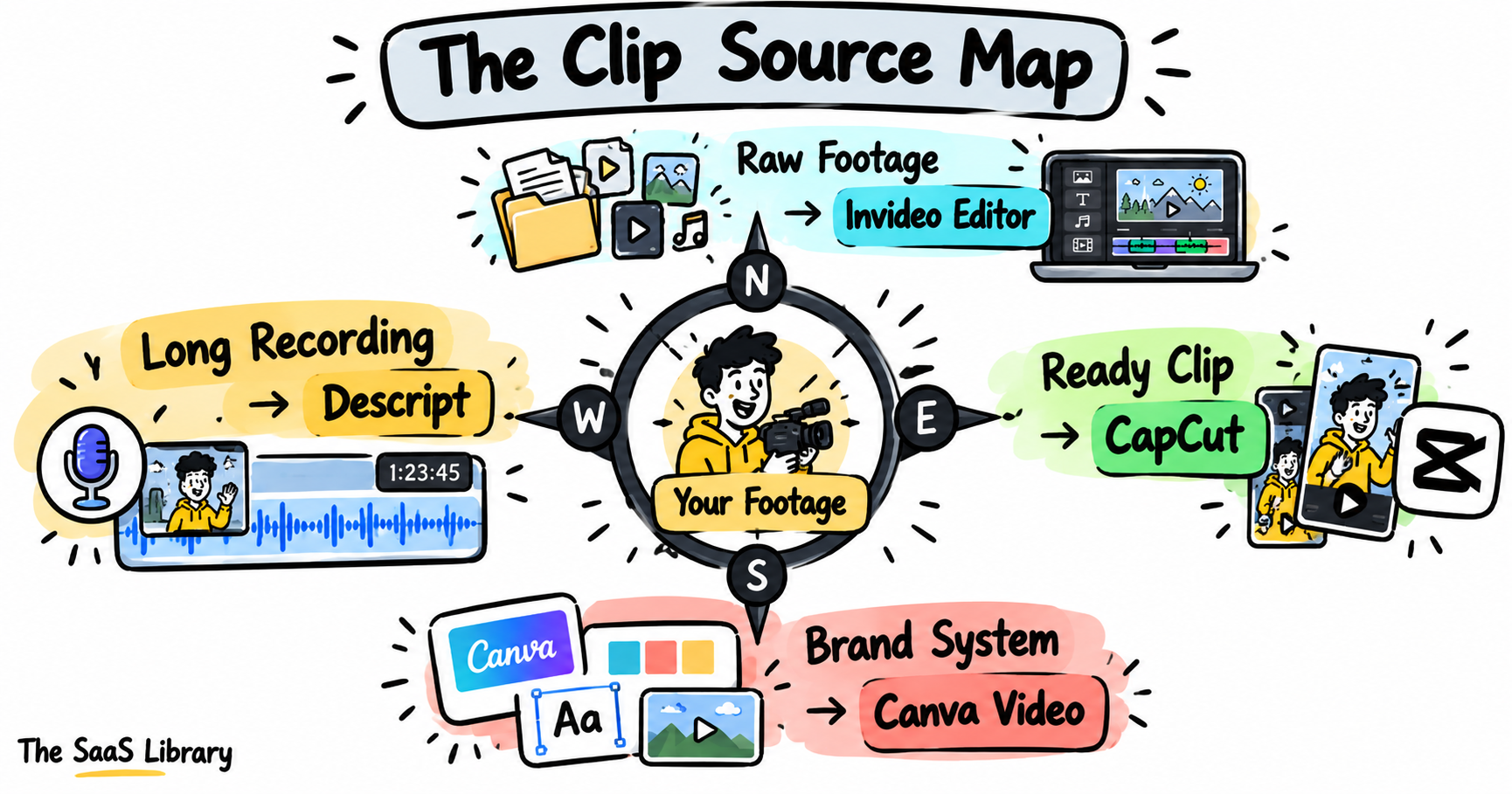
If you’re picking a tool before you’ve identified where your footage actually starts, you’re choosing based on features instead of your real starting point — and that’s how a creator ends up paying for AI credits they never use.
Frequently Asked Questions
What is the best AI video editor for TikTok and Reels?
CapCut is the best AI video editor for most TikTok and Reels creators, since it’s purpose-built for fast, native vertical editing. Invideo Editor is the better pick when a short needs to be assembled from raw, unorganized footage first.
Is CapCut free to use for TikTok and Reels?
Yes — CapCut’s free tier exports without a watermark. Paid tiers start at $9.99/month for Standard and $19.99/month for Pro, which unlocks additional AI credits and effects.
Is Canva good for making TikTok and Reels videos?
Canva is good for TikTok and Reels specifically when brand consistency matters — its shared brand kit applies automatically across every clip. Canva Pro costs $18/month and includes 5 AI video clips per month; the free tier does not include AI video generation.
Can AI build a short video from raw footage automatically?
Yes — Invideo Editor’s agents can review raw, unorganized footage and build a base cut around a specific hook or opening moment, described in plain language, before a human editor refines it.
What’s the best way to pull a short clip out of a podcast?
Descript is the best way to pull a short clip out of a podcast, since its transcript search lets you find the exact quotable moment by reading, rather than scrubbing through the full recording by ear.
How much does Canva Video actually cost, including AI features?
Canva Pro costs $18/month or $144/year and includes 5 AI video clips per month. This is a Pro-tier allowance, not a free-tier or lifetime allowance, and it renews monthly rather than being a one-time limit.
Conclusion
Use the Clip Source Map: match the tool to where your footage actually starts, not to whichever list ranks it first.
CapCut earns the lead spot for pure speed and native fit to the vertical, trend-driven format TikTok and Reels reward once a clip is already shot. Invideo Editor is the stronger pick specifically when a short needs to be built from raw, unorganized footage with a deliberate hook-first structure. Descript and Canva Video each solve a narrower, real problem — pulling a clip from a longer recording and keeping branded content consistent — and most creators posting across both a short-form platform and a longer-form channel end up pairing more than one of these rather than relying on a single tool for everything.